I don’t know if it is a bug or feature but the menu bar does not collapse back and stays on top of windows even when clicking away. Get’s a little annoying as the menu lingers around, after each interaction you have to click on the icon to get it back into the menu bar. Most apps you click away and the app goes back into menu bar. Any ability to change this behavior?
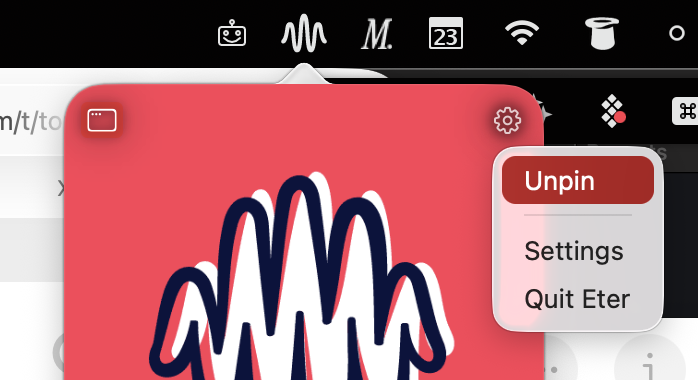
Is your Eter pinned to the menu bar or unpinned?
I find that if it’s pinned, it usually goes away (only when I opened the “gear” menu then it stayed after that). Does it happen for you every time? What macOS version are you using?
Pinned. Tahoe 26.2
Okay just noticed it will go away and collapse if I interact with the menu. If I just open it to look at the current track/station playing it stays open (I do this often), I have to click or interact with the menu first and it will go away.